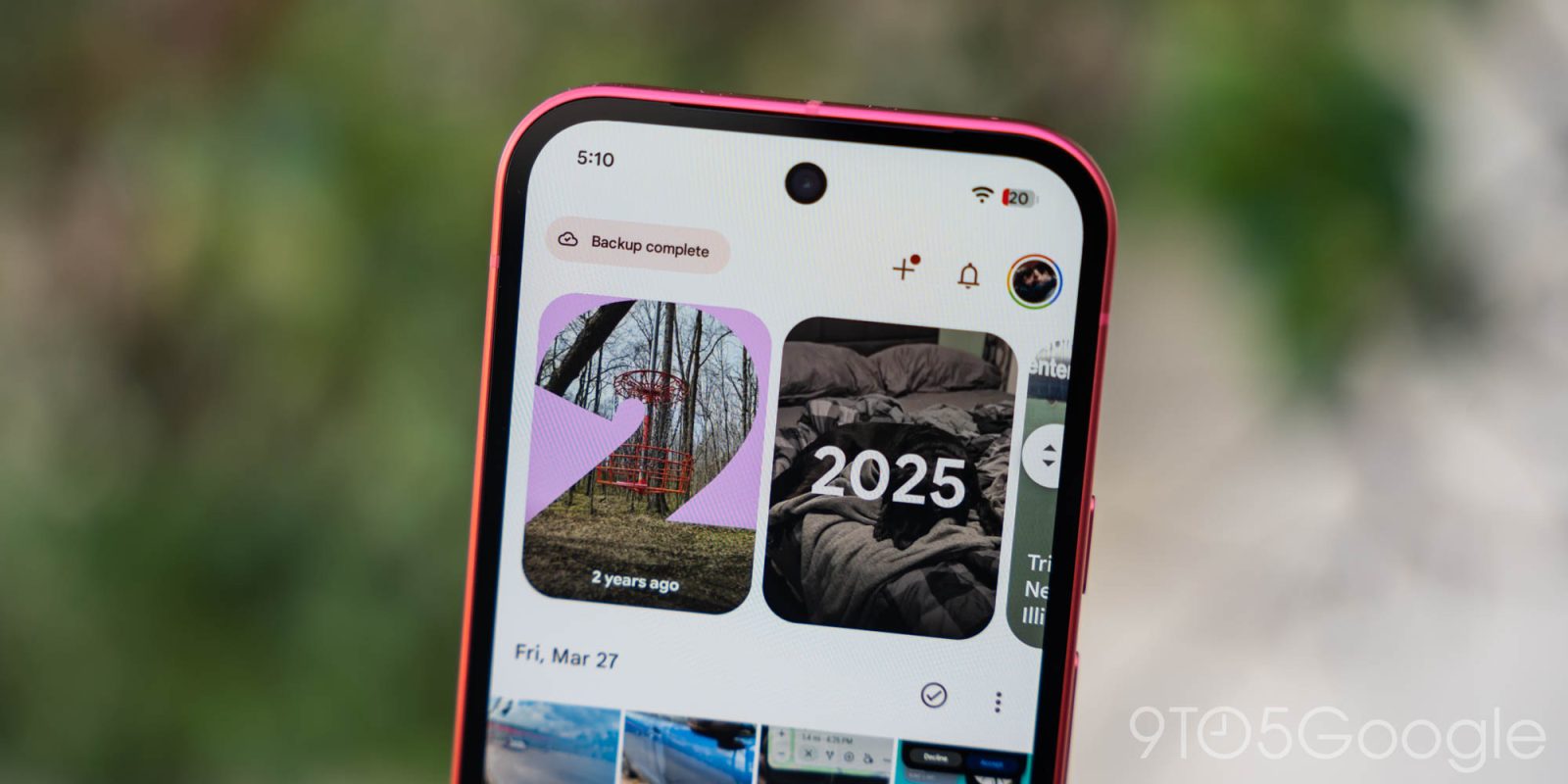
After July’s floating navigation bar, Google Photos for Android is rolling out a big redesign that lets you customize the Collections tab.
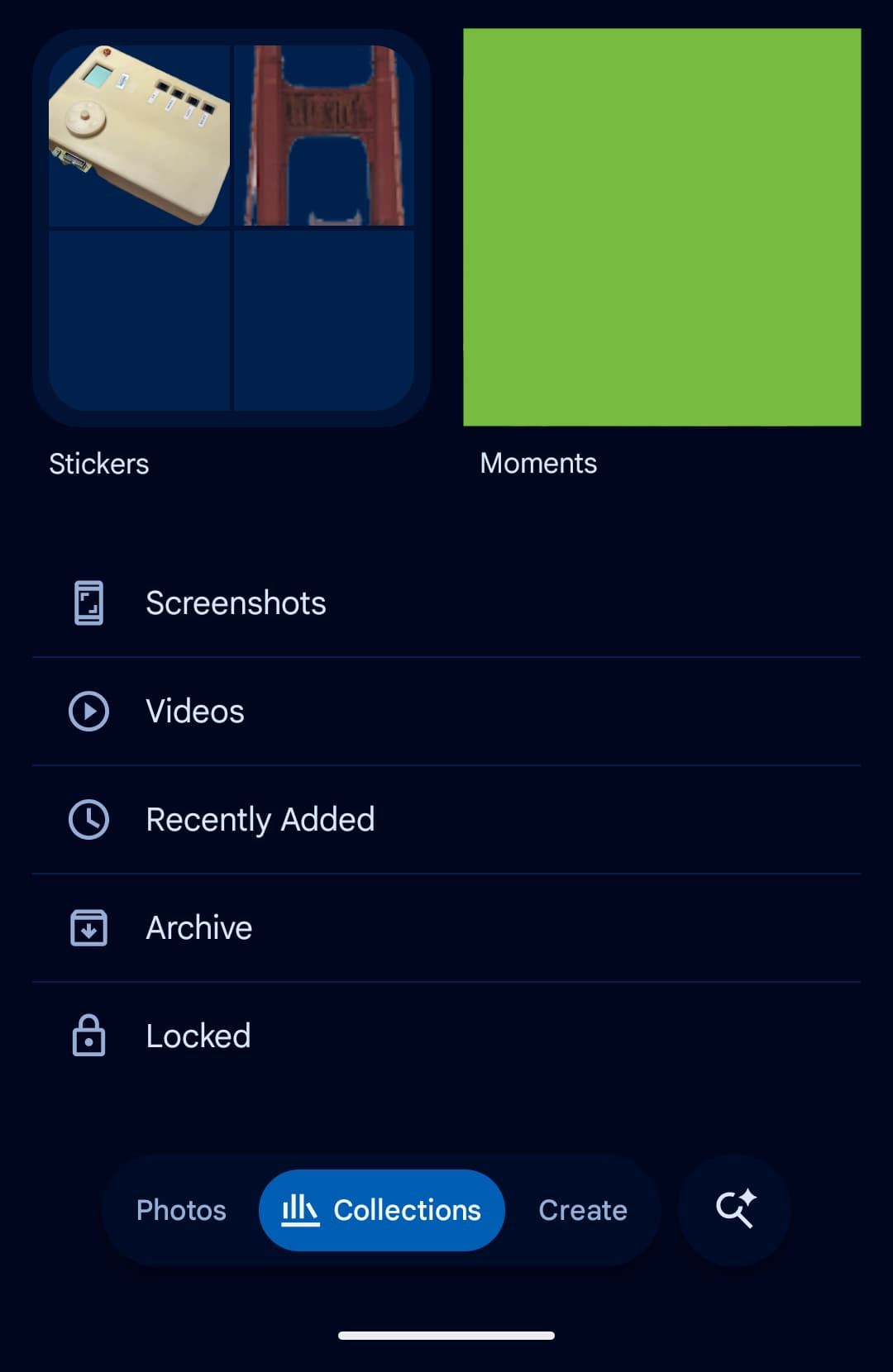
The previous design started with a 2×2 grid. Favorites and Trash were at the top, while the other two shortcuts changed depending on usage. Then there were large cards for albums, on this device, people and pets, wardrobe, documents, places, stickers and times. On Android, this was followed by a list: screenshots, videos, recently added, archived, and locked.
Old
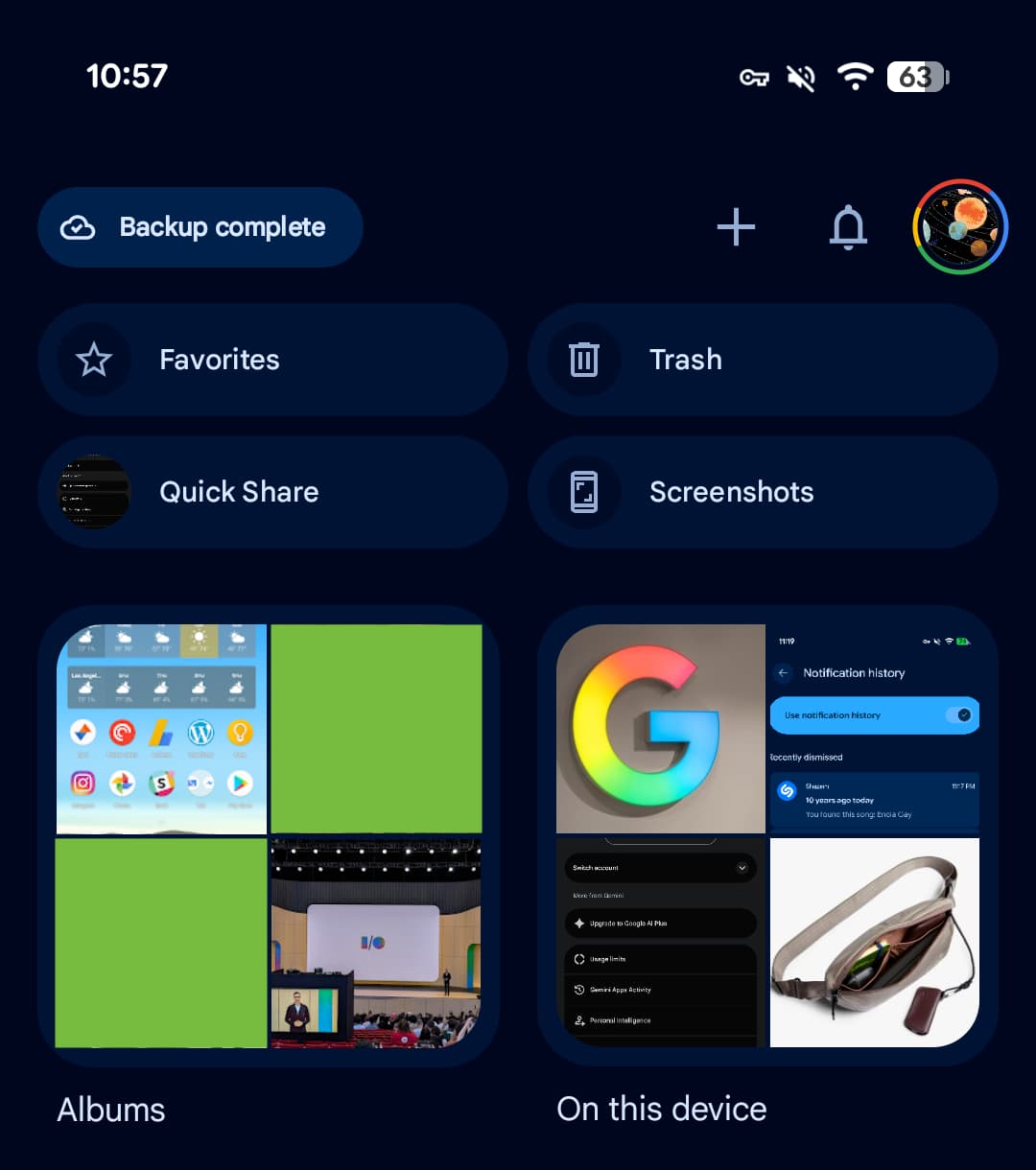
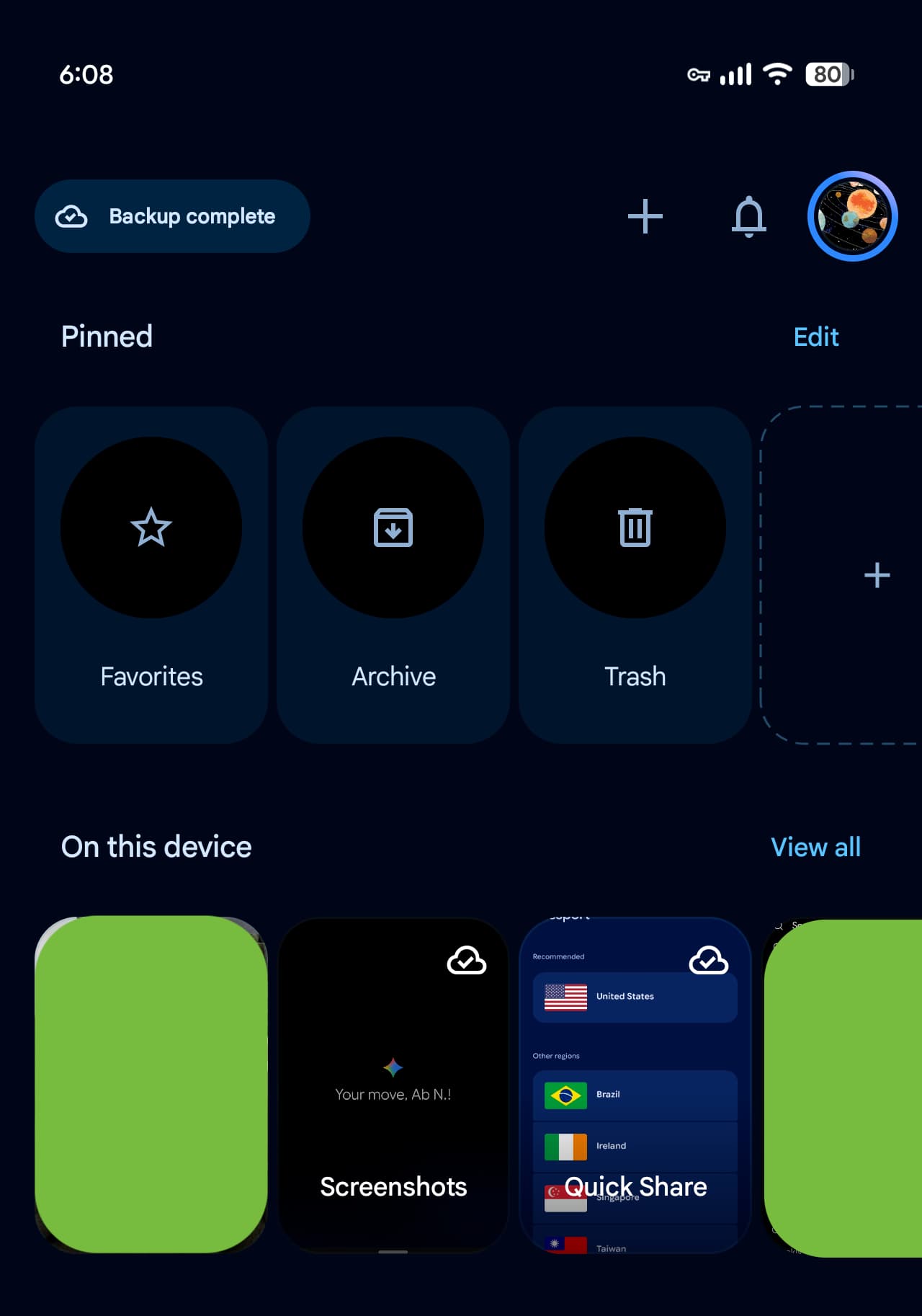
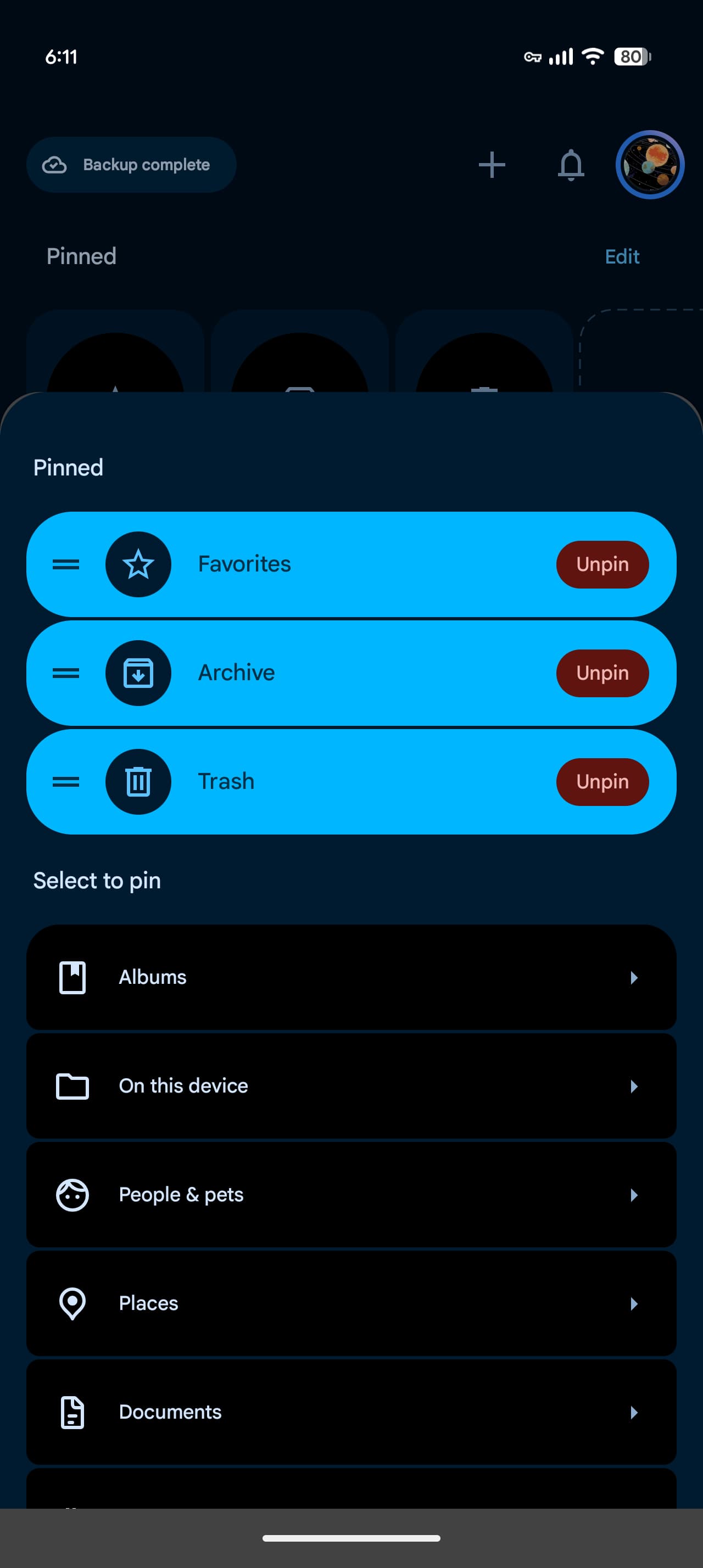
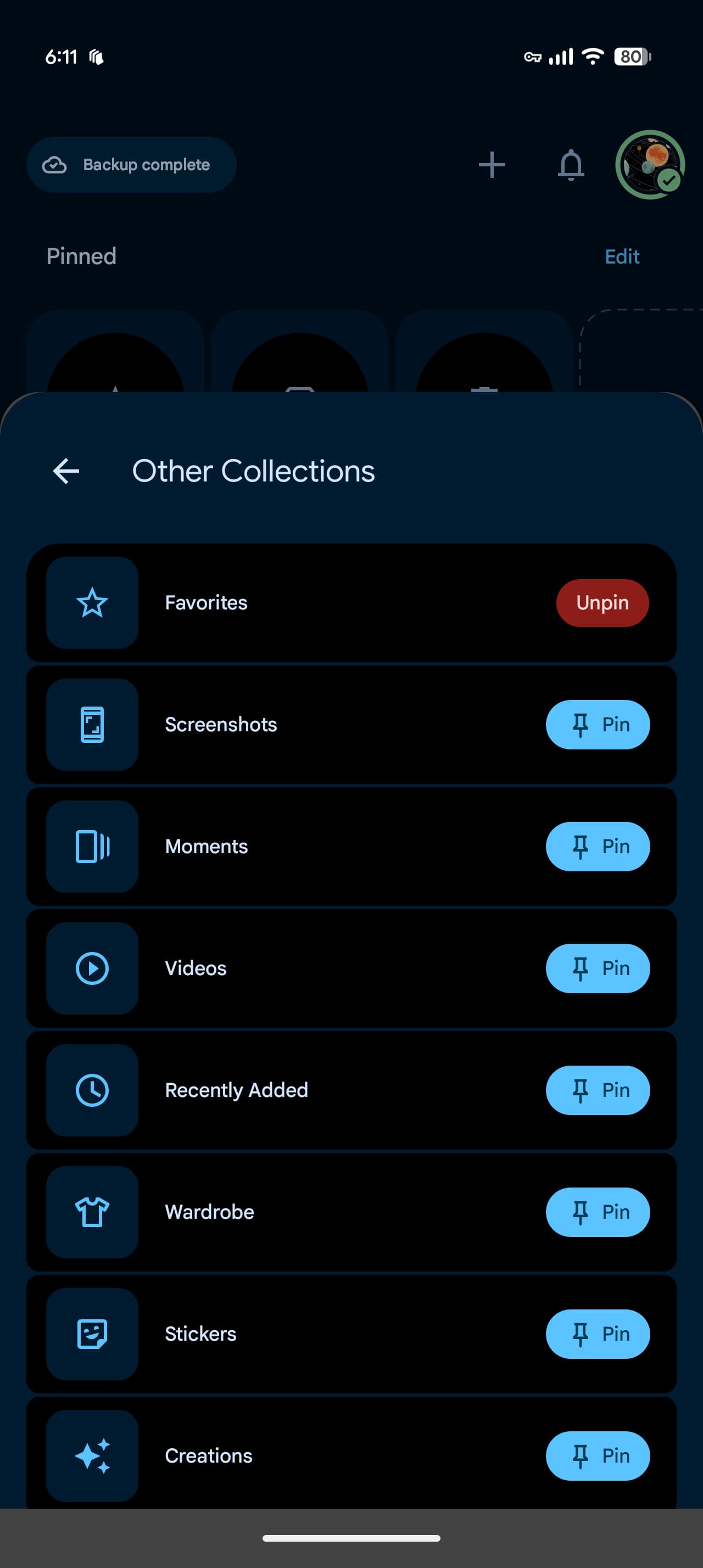
This Collections redesign is focused on personalization. The first section is called “Pinned” and allows you to choose which cards appear. By default, the carousel displays Favorites, Screenshots, and the Trash. You also have the option to delete this section entirely.
Next are the carousels for On This Device, Albums, People & Pets, Wardrobe, Places and Documents. “Show All” in the upper right corner takes you straight to the full grid or list view. Other options allow you to hide each section and rearrange the order in which they appear.
New
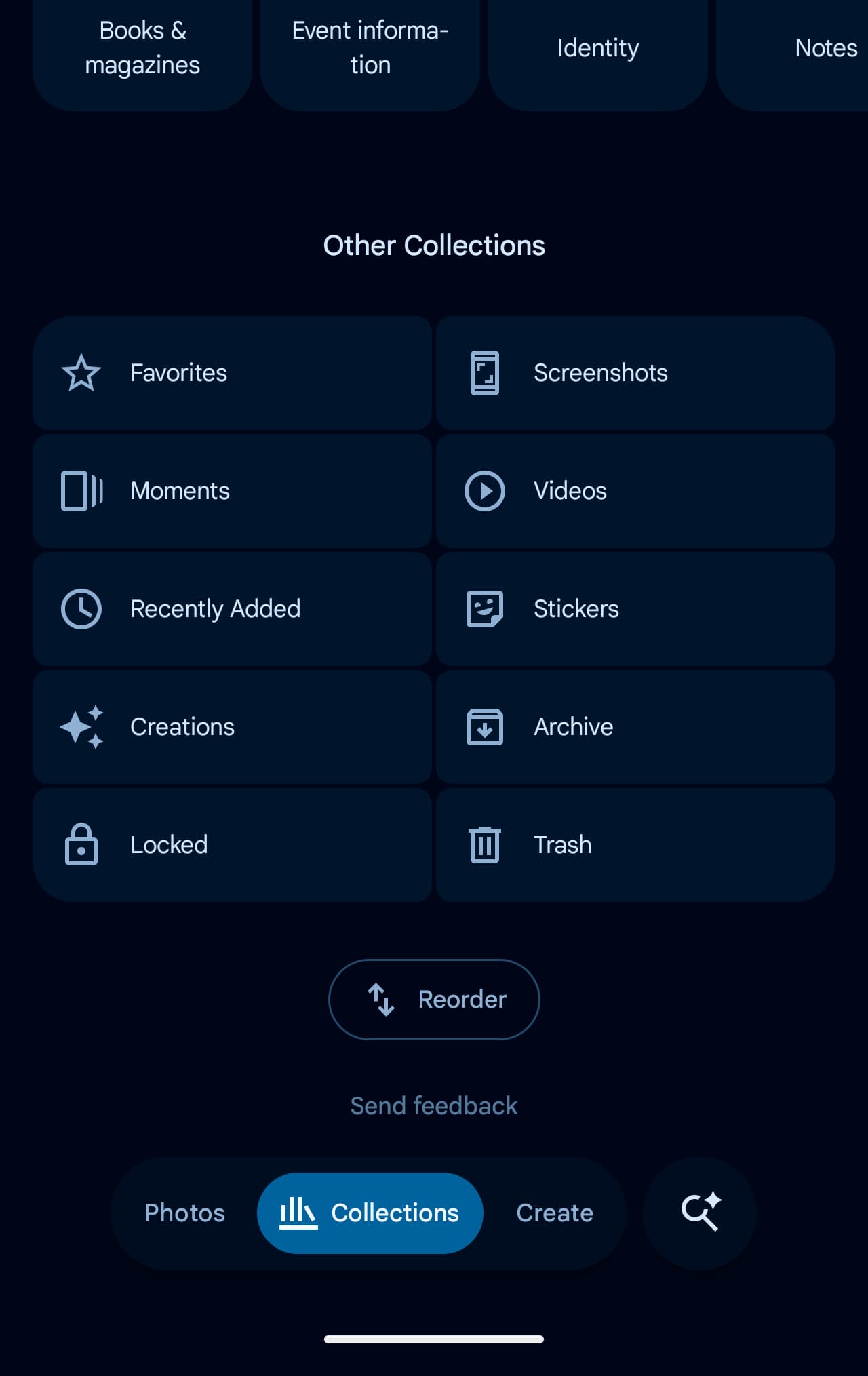
The “Other Collections” grid completes this page: Favorites, Screenshots, Moments, Videos, Recently Added, Stickers, Creations, Archive, Locked and Trash. The “Rearrange” button is at the very bottom.
This redesign is now widely rolling out with Google Photos 7.97. Instead of the usual force shutdown, we were curiously able to get this server-side update by restarting our devices and then opening the Photos app.


FTC: We use automatic, revenue-generating affiliate links. More.
Gn tech