A pair of Gemini app updates bring the latest design to all Android devices today, while file generation sees a significant upgrade.
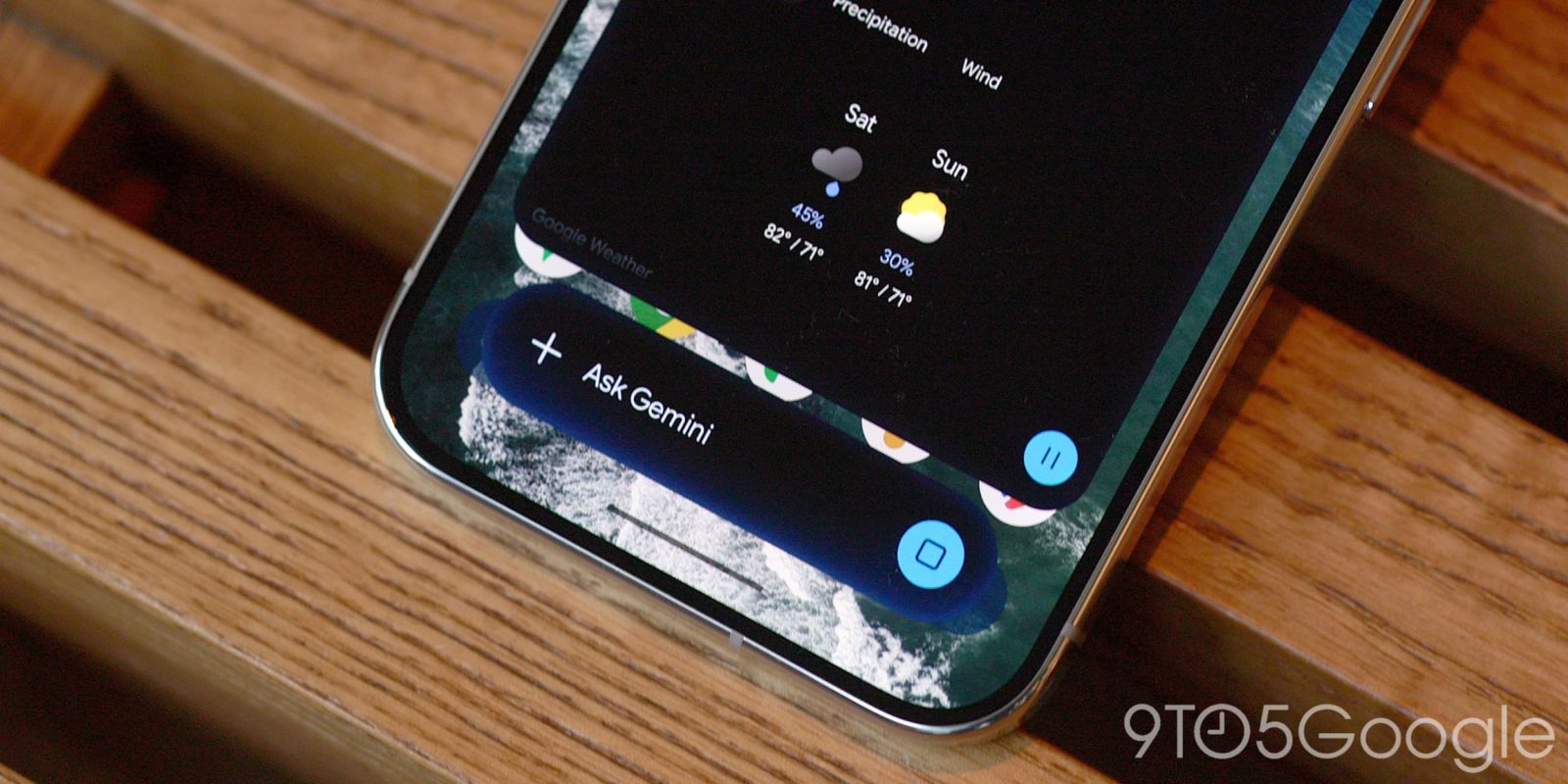
The latest Gemini overlay design applies a heavy blur effect to the bar. It’s difficult to make out the boundaries of the pill, while there are many more small spots and swirls of color. Once the animations are finished, you can see how the pill-shaped bar is translucent at the perimeter instead of having a solid shape.
Old versus new


This updated design was first introduced on phones with Gemini Intelligence (Pixel 11) and is now available on all other devices we checked today. Make sure to force stop the Google app if you don’t see it yet.


Meanwhile, the Gemini app now lets you “generate, preview, and edit files directly in” chats. You can ask Gemini to create a text document, presentation, or spreadsheet on a specific topic and then display it online. Highlight sections to make changes or ask questions.
- Generate and refine slideshows: Create presentation outlines or slide content, preview the layout in chat and edit directly or ask Gemini to adjust the tone and structure before opening it in Google Slides or downloading it as PPTX or PDF.
- Create and export Google Sheets: Generate trackers, tables, and structured data models from a prompt, preview them in Gemini, and open them directly in Google Sheets.
- Edit documents and PDFs: Quickly write PDF, Google Docs, LaTeX, Markdown or TXT files and make manual or requested edits online on the web or in full screen. You can also download them all to Drive.
PDF previewing and editing is supported on gemini.google.com and mobile apps, while Google Docs, Google Sheets, Google Slides, Markdown files, TXT files, and code are only available on the web.
File creation and editing is live for “users in all languages in which the Gemini app is available.”


FTC: We use automatic, revenue-generating affiliate links. More.
Gn tech