Breathe new life into your old technology with these handy tips.
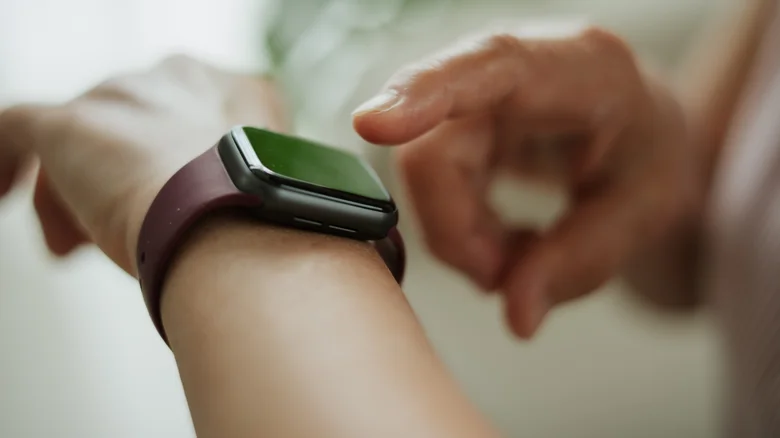
Upgrading to one of the best smartwatches can be exciting, but it often means there’s nothing left for your old smartwatch. Unfortunately, this is the point where users may throw their old smartwatch in a drawer and forget about it. But it doesn’t have to be that way.
Your old smartwatch is a versatile piece of hardware, so despite what it seems like, this little device gathering dust still has some pretty unexpected and interesting uses. With the right advice, you can give your old smartwatch a new lease of life, or at the very least, you can sell it for some quick cash. Even if your smartwatch no longer receives major operating system updates, you can still use it as a dedicated AI tool, an easy-access note-taking device, a child monitoring tool, or a dedicated sleep tracking tool. So free your old smartwatch from its drawer and blow away the dust. Most of these unexpected uses take just a few minutes to set up and require an additional app or two, although some require a cell plan or phone for full functionality.
Use your old smartwatch as a dedicated AI voice assistant
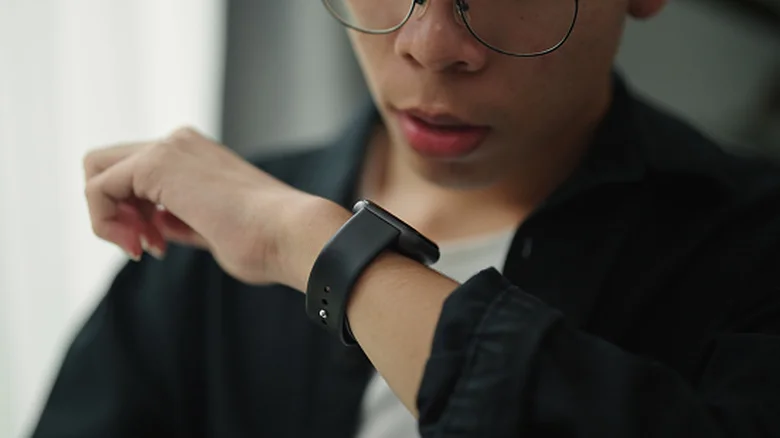
If you use AI tools like Gemini or ChatGPT, one of the most relevant uses for your old smartwatch is to turn it into a dedicated AI assistant. Setup is pretty simple, allowing you to get answers or talk to your AI, all without having to take out your phone. On Wear OS smartwatches, Gemini is the main option. On the Apple Watch, Siri is the default, but you don’t have to stick to Siri.
On watches running Wear OS 4 or later, you must first ensure that Gemini is installed and has been updated. Once that’s set and voice activation is enabled, all you have to do is say “Hey Google” and Gemini will respond. If voice activation isn’t your style, you can also press and hold the side button to activate Gemini. On Samsung watches, you will need to customize the side button so that it can activate Gemini. To reassign, open Settings > Button and gestures > Double press > scroll to where you see Gemini and select it.
On the Apple Watch, activating Siri is simple; Simply raise your wrist and say “Hey Siri” or press and hold the Digital Crown. You can use the Wrist AI app to get ChatGPT or Gemini features, but the free tier only allows a small number of daily chats. For easier access, you can add a Wrist AI complication to your watch face. For Wear OS watches, to launch ChatGPT you will need the WristAssist app, but it has been removed from the Play Store, so you will need to sideload it. You’ll also need an API key from OpenAI to get things going; creating the key is free, but usage is charged.
Turn your old smartwatch into a quick note-taking tool
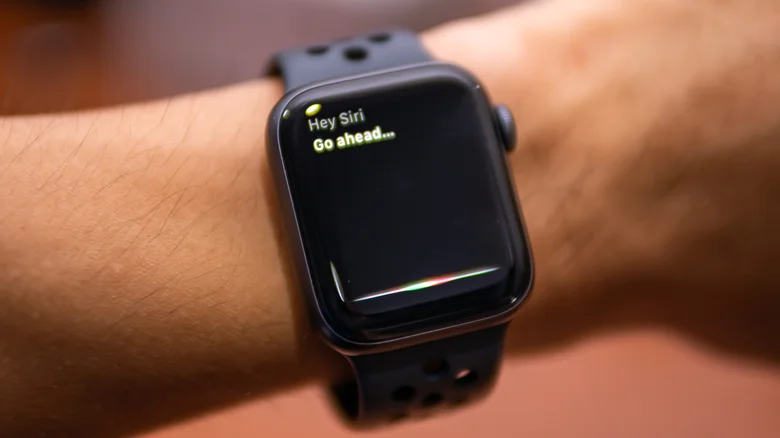
A good use case for your old smartwatch is to simply turn it into a note-taking device with more accurate AI transcriptions. So instead of having to take your phone out of your pocket every time you have an idea or want to jot down some thoughts, you can raise your wrist and speak.
Your old smartwatch probably already has a notes or voice recorder app, so what you need is pre-installed. On Apple Watch, you can say “Hey Siri” and then “Record voice memo” to get started.
You can get transcriptions of recorded notes on Wear OS and Apple Watch, but you’ll need your phone. On Samsung watches, you can get transcriptions in the voice recorder app using the built-in speech-to-text mode, but it’s limited to 10 minutes. Recordings made on your smartwatch should automatically sync across your devices, so a note you recorded during your morning walk should be waiting on your phone by the time you get home.
Use your old smartwatch to track your sleep
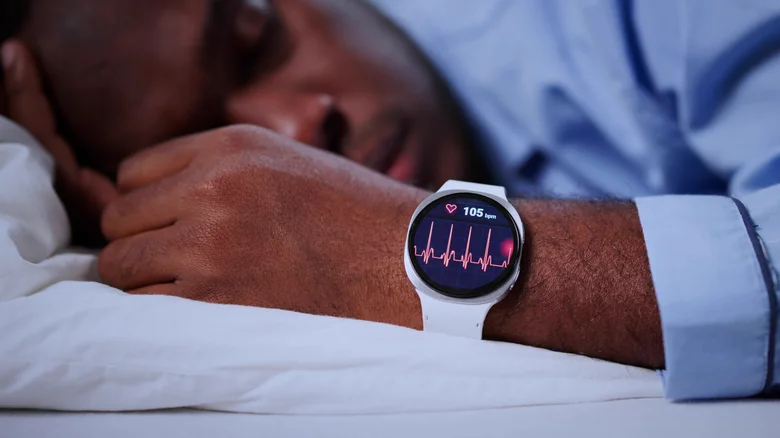
There are few things as important to the human body as sleep, and your old smartwatch can help you improve it. But you’ll have to sacrifice charging your watch overnight, which could leave you with a dead battery in the morning. And that’s precisely where your old watch comes in. You can charge it all day, then wear it to bed while your main smartwatch charges.
Installation usually only takes a few minutes. To track your sleep and view your sleep data on Apple Watch, set up Sleep in the Health app on your iPhone, then turn it on Track sleep with Apple Watch setting. For a Galaxy Watch, connect the watch to your phone, then open the Sleep tile on your Galaxy Watch and follow the instructions to set it up. Keep in mind that the effectiveness of this and how much data it can track depends on the model of your smartwatch, as they don’t all offer the same sensors, especially older models.
Finally, don’t take reported numbers with the same weight as a diagnosis from your doctor, as the sensors may be inaccurate. So if you notice something concerning in your sleep report, take it as a signal to talk to your doctor, not as a diagnosis.
Your old smartwatch can monitor your child
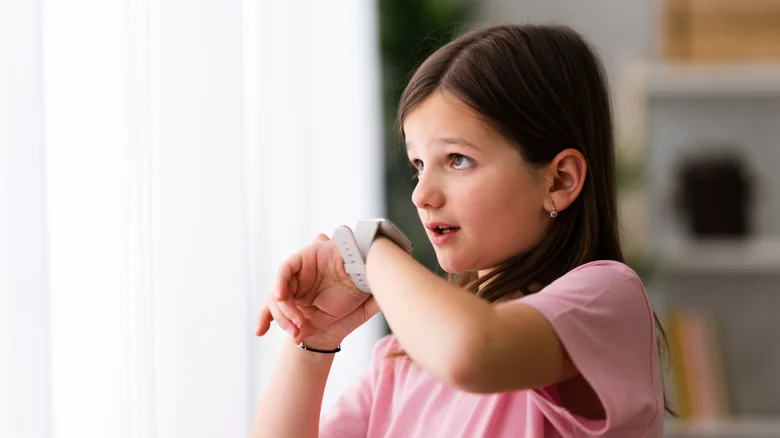
Your old smartwatch can find a new use on your child’s wrist as a dedicated kids watch. Once set up, your kids can call, text, and share locations without owning a smartphone. Note that this only works on LTE/Cellular smartwatches and a smartphone is not required for the child after setup.
Samsung watches feature a dedicated Kids Mode that allows parents to fully monitor their child’s experience. So besides the usual location monitoring, calls and texts, parents can also approve or block apps, set school time limits and use Google Family Link to manage the child’s watch usage. Unfortunately, Kids Mode isn’t available on all Samsung watches; you will need a Galaxy Watch 6 LTE and above.
Apple Watch has a similar feature called Apple Watch for Your Kids, and it’s supported on Series 4 or later with cellular, or on an OS with cellular on watchOS 7 or later. As you would expect, it can make calls and send text messages, has location tracking, screen time management and a Schooltime mode which, like Samsung’s equivalent, is basically restricted so that the child is not distracted during class time.
Keep in mind that cellular features require a carrier plan, which incurs additional costs for you. And carrier support varies, so some carriers may not support standalone calling from a smartwatch.
Sell your old watch for cash
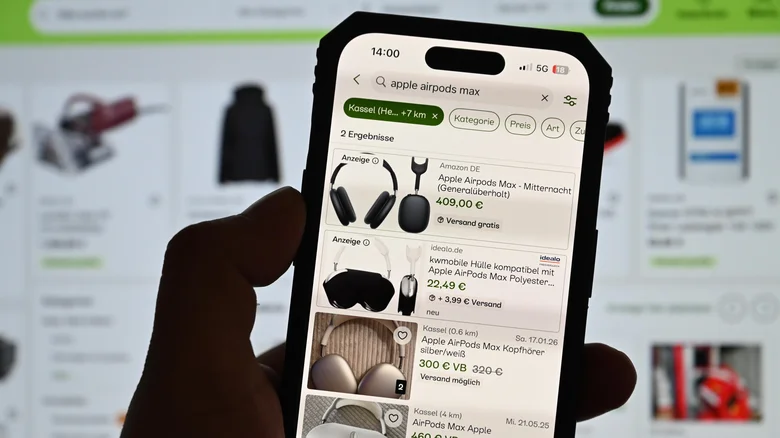
If none of the uses suit you or you would simply prefer to get rid of your device, your best option is to sell your old smartwatch. It probably still has some resale value; it’s just a matter of finding the right place (or way) to sell it. There are two main paths to take.
First, you can sell on marketplaces like eBay. Selling on a marketplace can get you the highest payout, but it also comes with the most hassle. You’ll need to handle everything related to the sale, including writing an accurate ad, taking clear photos, setting a good price, answering questions from window shoppers, shipping it, and then calculating how much the platform fees are costing you.
Selling to a buyout company like Greenbuyback is the second option which will probably net you less than a deal, but it can be more convenient. Simply get a quote online and then ship your old smartwatch to the buyer. Once received, it will be inspected and if the condition you described matches, you will be paid. If not, you may receive a revised offer. The duration of the entire process depends on the specific program; some pay as little as 24 business hours after receiving your watch, while others can take up to five business days.
If you don’t mind getting store credit and less value for your old smartwatch, you can trade it in at retailers like Best Buy or manufacturer programs like Apple Trade In. Before you sell or trade in your old smartwatch, be sure to unpair it from your phone and erase it. On an Apple Watch, unpairing clears it. On Wear OS, log out of your accounts and reset it to factory settings.
Gn tech