
iOS 27 brought new features to Apple Wallet, Maps, Notes, Messages, and more, and also includes key upgrades to the Mail app. Here’s everything new in Apple Mail in iOS 27.
Improved search
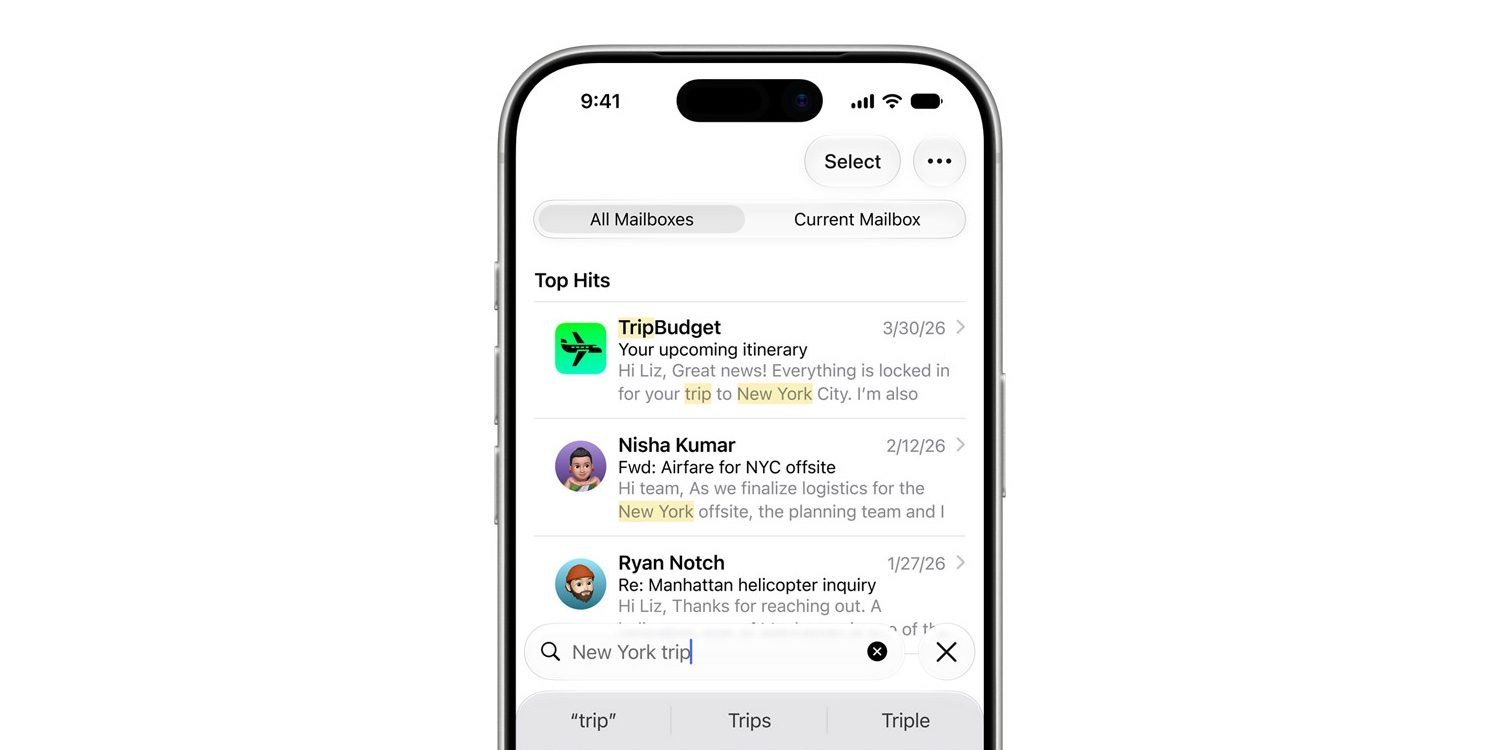
If you’ve been using Apple Mail for a long time, you’ll know that its search function hasn’t always been the best. But in iOS 27, search got a significant upgrade.
From the Apple website:
More relevant search in Mail. A new ranking system puts the most relevant results at the top to help you find what you need immediately, even if it’s buried deep in your inbox.
I can’t count the number of times search failed to find posts that I knew existed. So far in my usage, iOS 27 has fixed this issue.
New suggestions including third-party apps
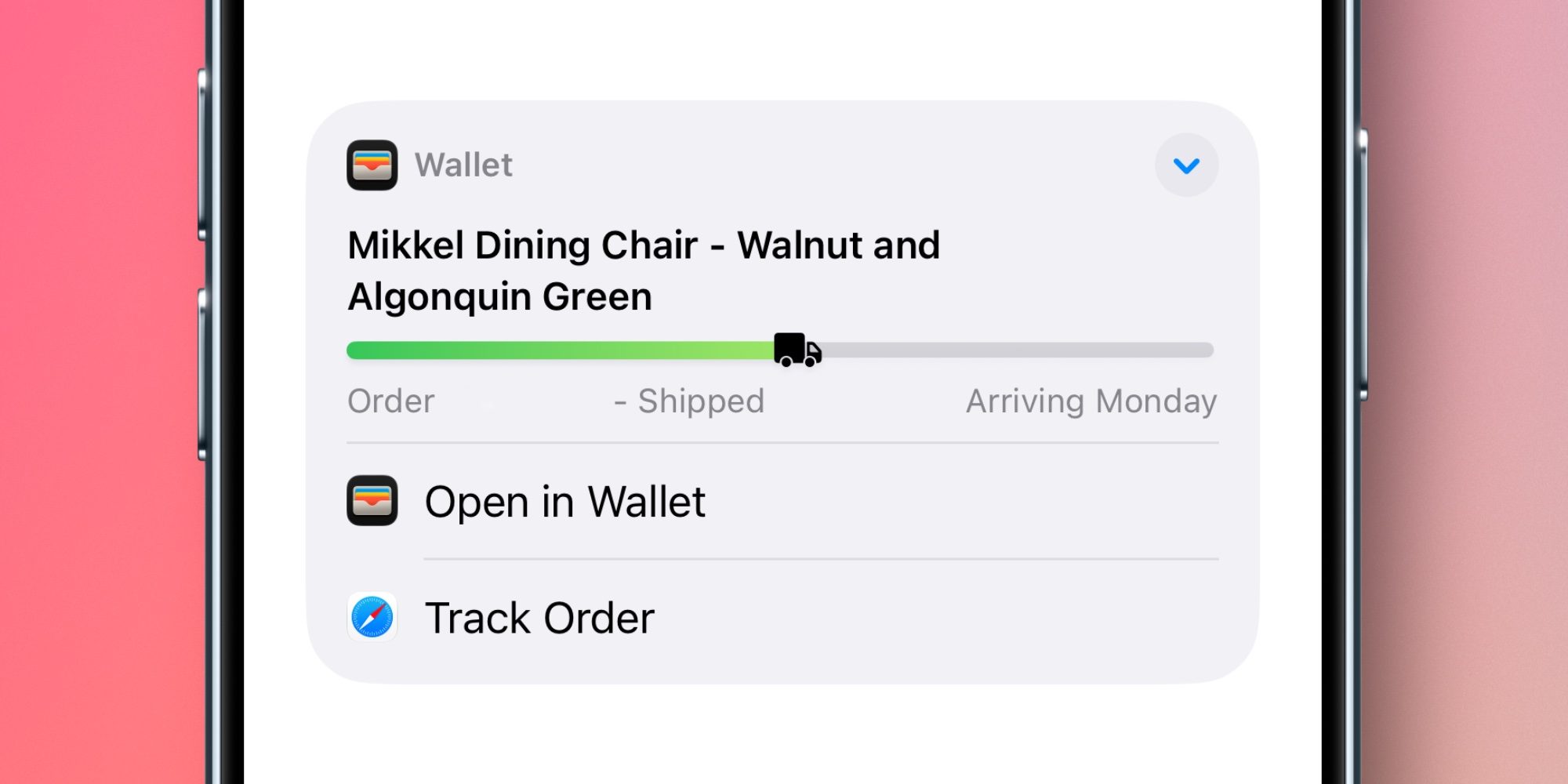
Suggestions at the top of messages have been in Apple Mail for years. But in iOS 27, they have a new, more flexible design and expand to support third-party apps.
When Mail detects that you might want to take action on the content of an email, a suggestion may appear at the top of the message. These include: getting directions in Maps, creating events in Calendar, tracking a shipment with Apple Wallet, and much more.
In iOS 27, third-party apps can also offer suggestions. And when multiple apps are available with suggested actions, a drop-down menu shows you all available options.
Smart Reply Improvements

Smart Reply is a keyboard feature that automatically displays reply options that you can use with just one click.
In iOS 27, the next generation of Apple Intelligence comes with improvements to Smart Reply.
Apple says Smart Reply “can now draw on a user’s personalized writing style.” Essentially, rather than offering fairly generic response options, Smart Reply suggestions will now sound much more like you.
Siri AI Capabilities
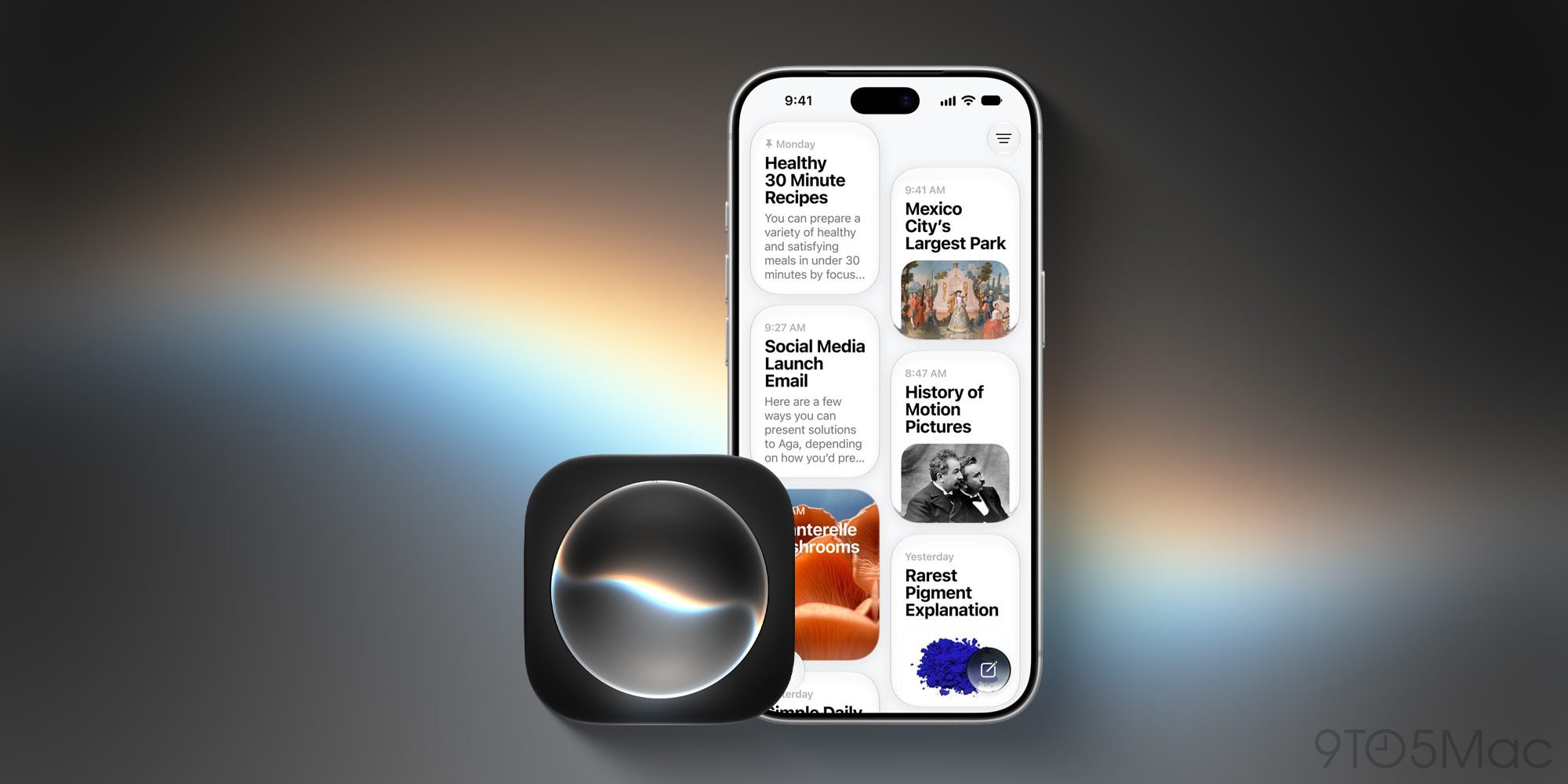
Apple added “Ask Siri” buttons to Apple Mail, just like the rest of its system apps. And Siri AI brings many new powers to Mail users.
One example I’ve seen repeatedly on social media is that you can ask Siri to delete all messages from a specific sender that is spamming you.
Bug fixes
Beyond the new features, Apple also says that iOS 27 makes the Mail app work better than ever thanks to bug fixes and performance improvements. Here are some specific examples given:
- Messages load faster in Mail
- More reliable search indexing in Mail
- Improved list formatting in Mail
- Improved accuracy of unread badges in Mail
What new Apple Mail features in iOS 27 are you most excited about? Let us know in the comments.
Best iPhone accessories


FTC: We use automatic, revenue-generating affiliate links. More.

Gn tech