

iOS 27.2 adds new features to Messages, Podcasts, Photos and more, including some easy-to-miss upgrades to FaceTime. Here are the new features.
#1: Dual Capture now works on all video calls, even with groups
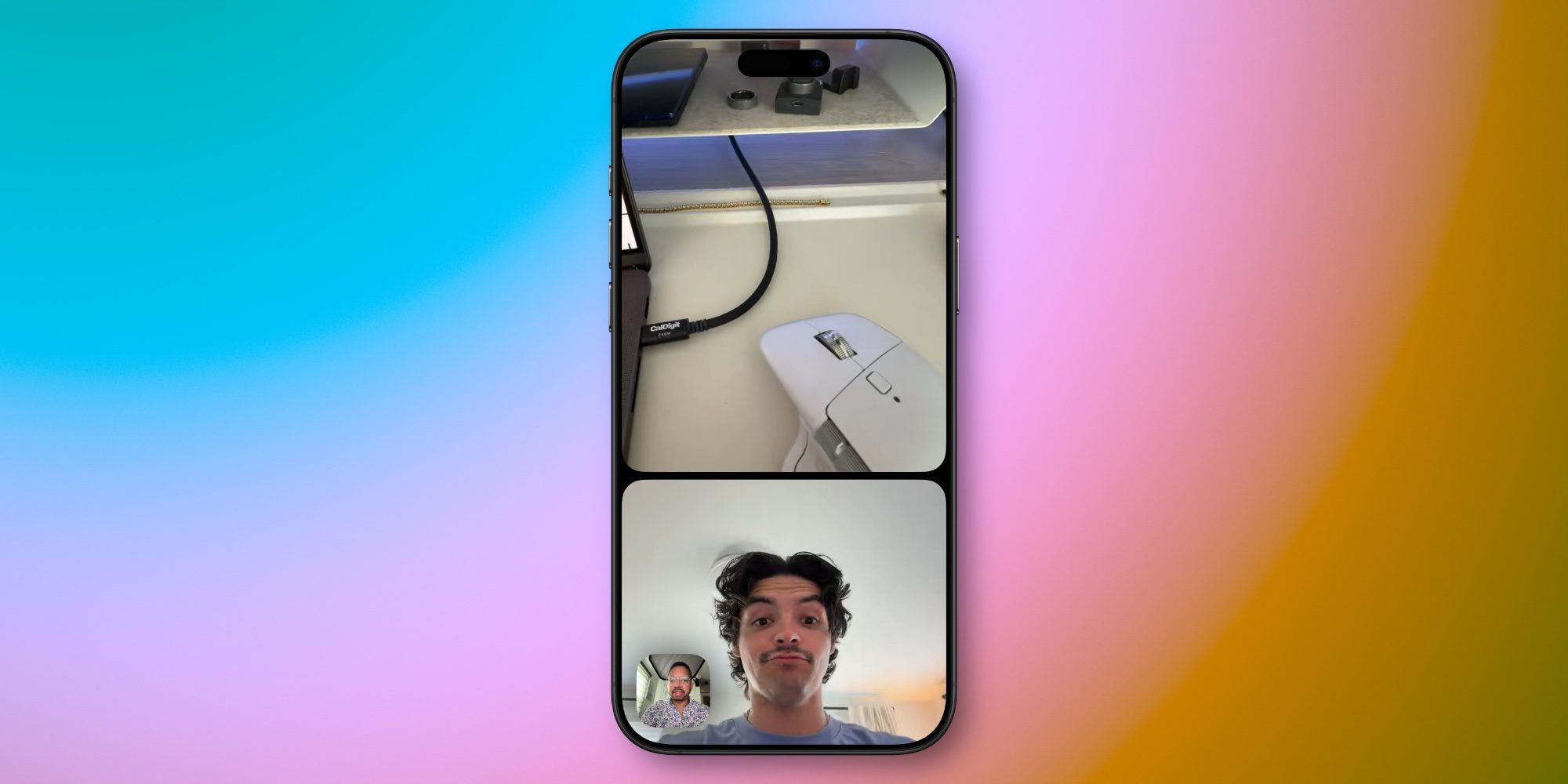
Dual Capture was added to FaceTime in iOS 27 and quickly became one of my favorite features. Rather than having to choose between showing your face or the rear camera view, Dual Capture lets you show both at once.
iOS 27.2 expands Dual Capture to work on all video calls, even with groups. Previously, the functionality was limited to individual calls.
If you have an iPhone 17 or newer, all you need to do during a video call is tap the “Flip” button and, by default, both the front and rear cameras will be enabled.
It’s a huge improvement to the FaceTime experience, and especially great if, as in my case, you have young kids running around and want to let the grandparents see them and you at the same time.
The only downside is that everyone on the call must have iOS 27, iPadOS 27, or macOS 27 installed.
#2: You can add a third-party sign language interpreter or live captioner

iOS 27.2 makes FaceTime more accessible by adding support for third-party sign language interpreters and live captioning.
Inside the three-dot icon, you’ll find a “Sign Language” button that lets you select an installed VRS (Video Relay Service) app to directly access an interpreter. The app will appear as a participant tile in the call with the status “Waiting for an interpreter”, then your interpreter’s name will be displayed after they arrive.
For third-party live captioning, Apple has a step-by-step support document here that describes the process. You can also optionally stick with the existing built-in Live Captions feature to have your iPhone add automatic captions. It is available from Settings ⇾ Applications ⇾ FaceTime ⇾ Live Captions.
Bonus: Edge Light on iPhone Duo
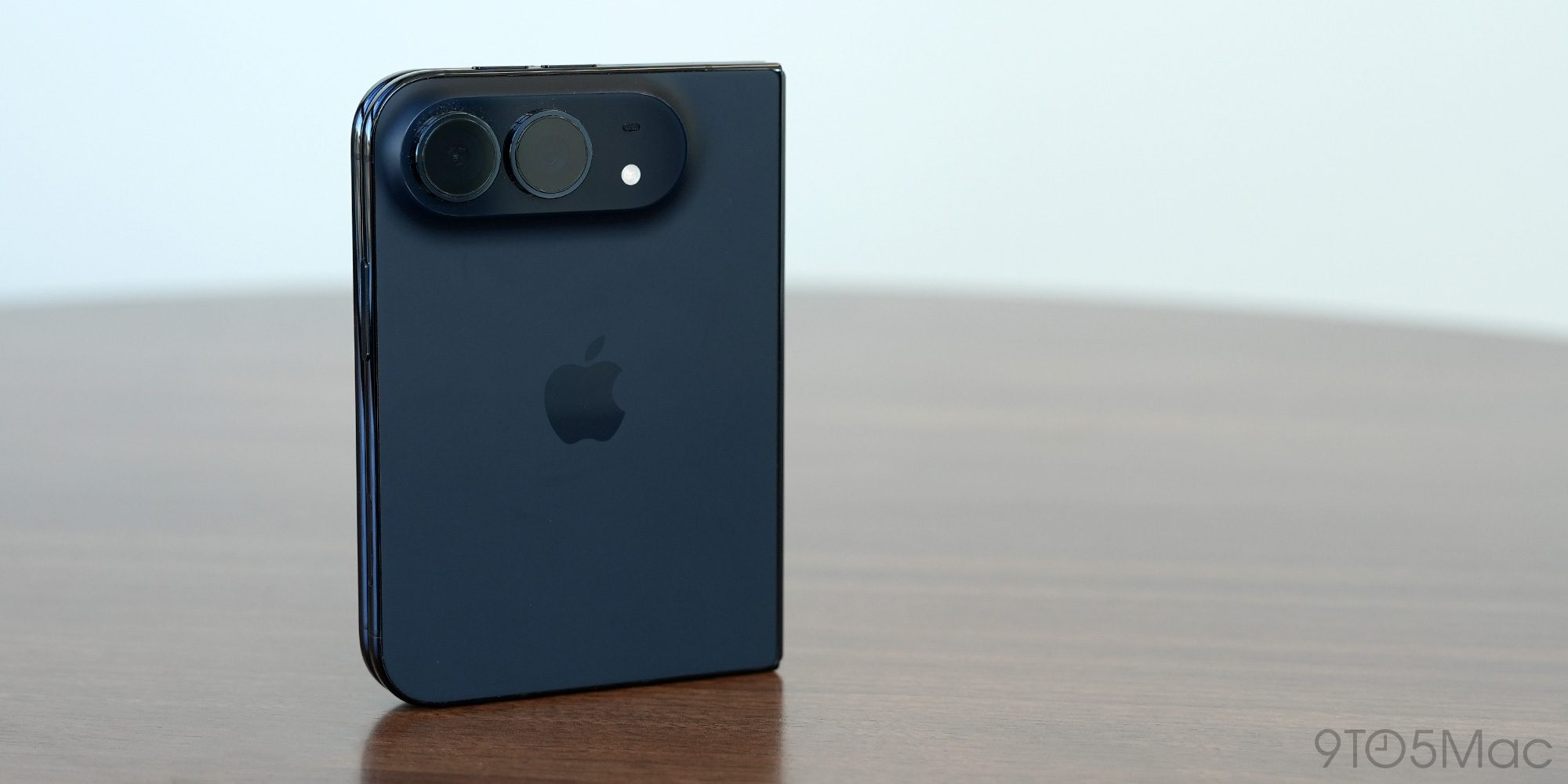
If you own an iPhone Duo, iOS 27.2 also introduced a new Edge Light feature that works across multiple video calling apps, including FaceTime.
Edge Light works like it does on the Mac, adding a ring of light around the iPhone Duo’s screen to better illuminate your face during calls. It is a built-in alternative to using a physical light ring.
To enable the feature, open Control Center during a FaceTime call, then tap “FaceTime Controls” and tap “Edge Light.” Once enabled, you can adjust settings such as intensity and color temperature.
Have you tried any of the new FaceTime features in iOS 27.2? Let us know in the comments.
Best iPhone accessories


FTC: We use automatic, revenue-generating affiliate links. More.
Gn tech