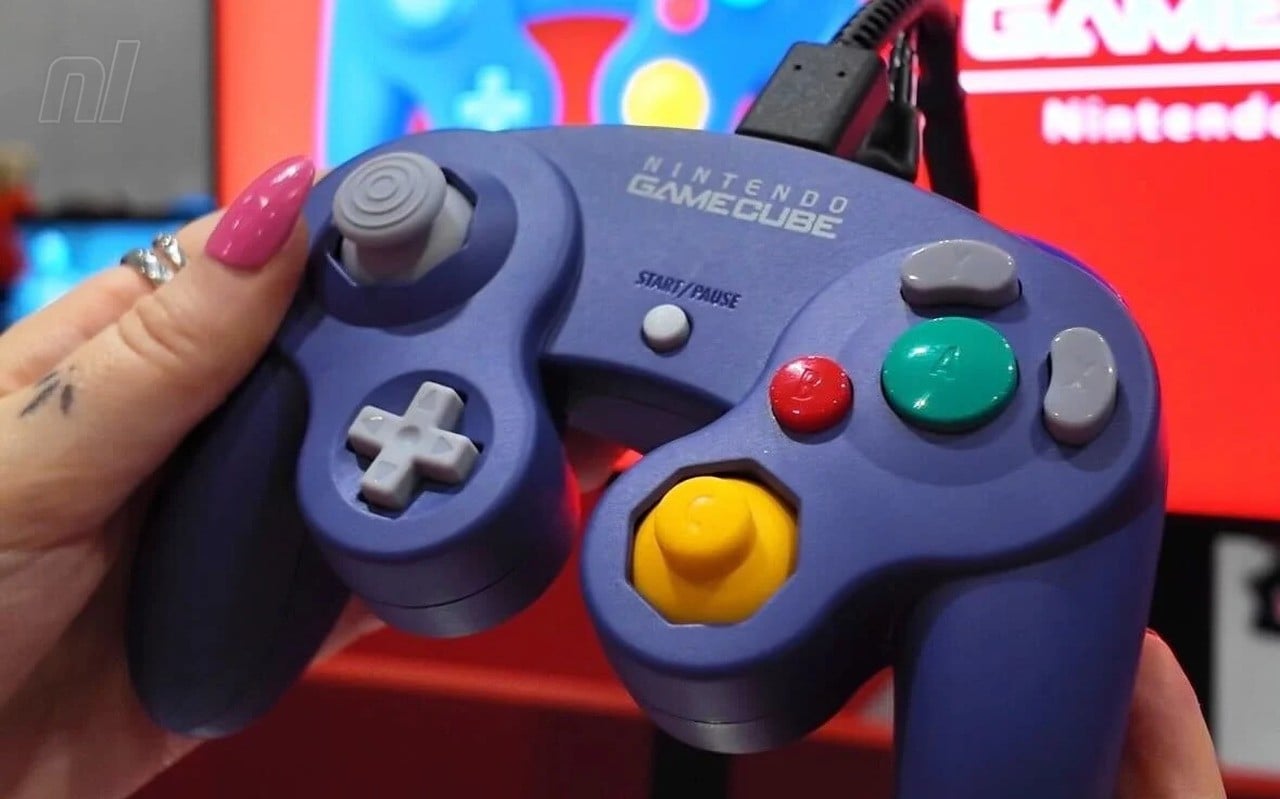
Following the release of Wave Race: Blue Storm on the GameCube “Nintendo Classics” app today, users have discovered another exciting update in Version 2.2.0.
As we mentioned in the announcement, you can now finally turn off the “border graphics” when playing GameCube titles. However, the player’s profile icon will remain displayed on the screen.
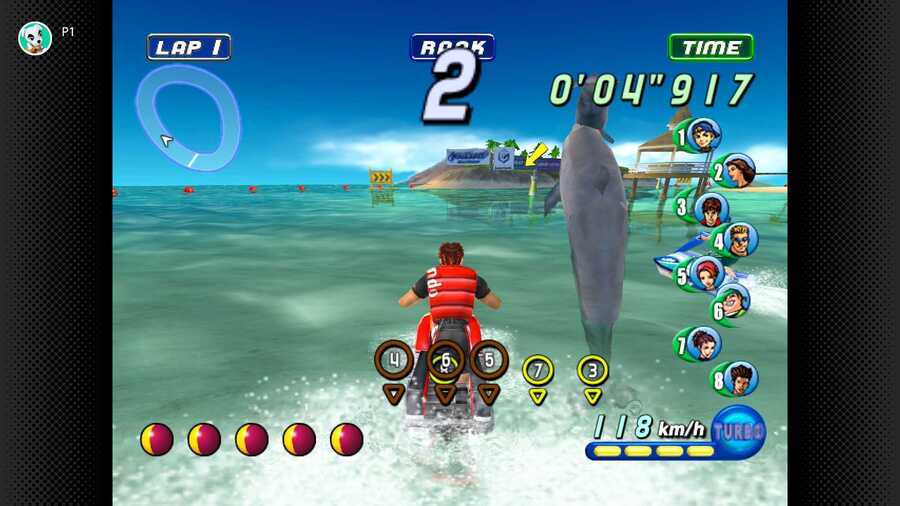
From the game library selection screen, navigate to the game settingsand you will find this option to toggle this border graphic under the “Showing additional items“. Here is a before and after comparison:
Border graphic enabled
Border graphic disabled
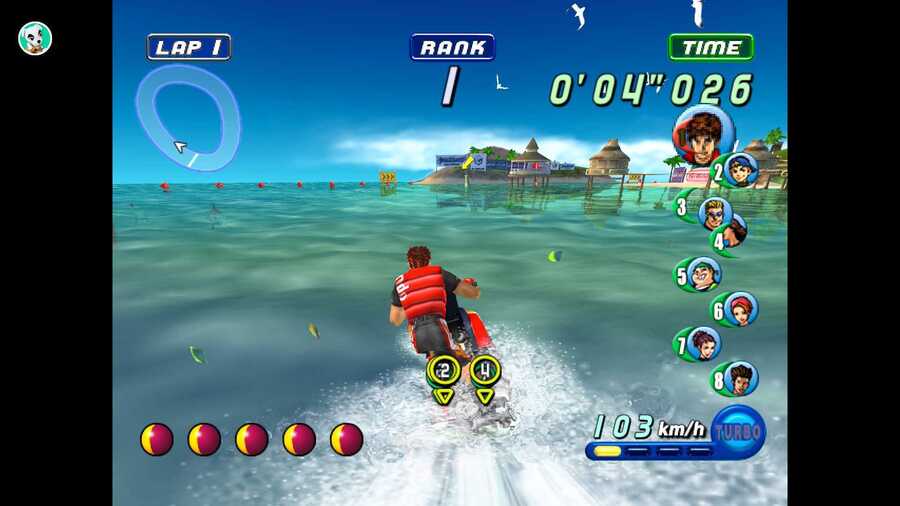
And again, even though this removes the border, your gamer profile icon will still be displayed. Are you going to disable the border graphic? Let us know in the comments.
Gn tech